Product overview
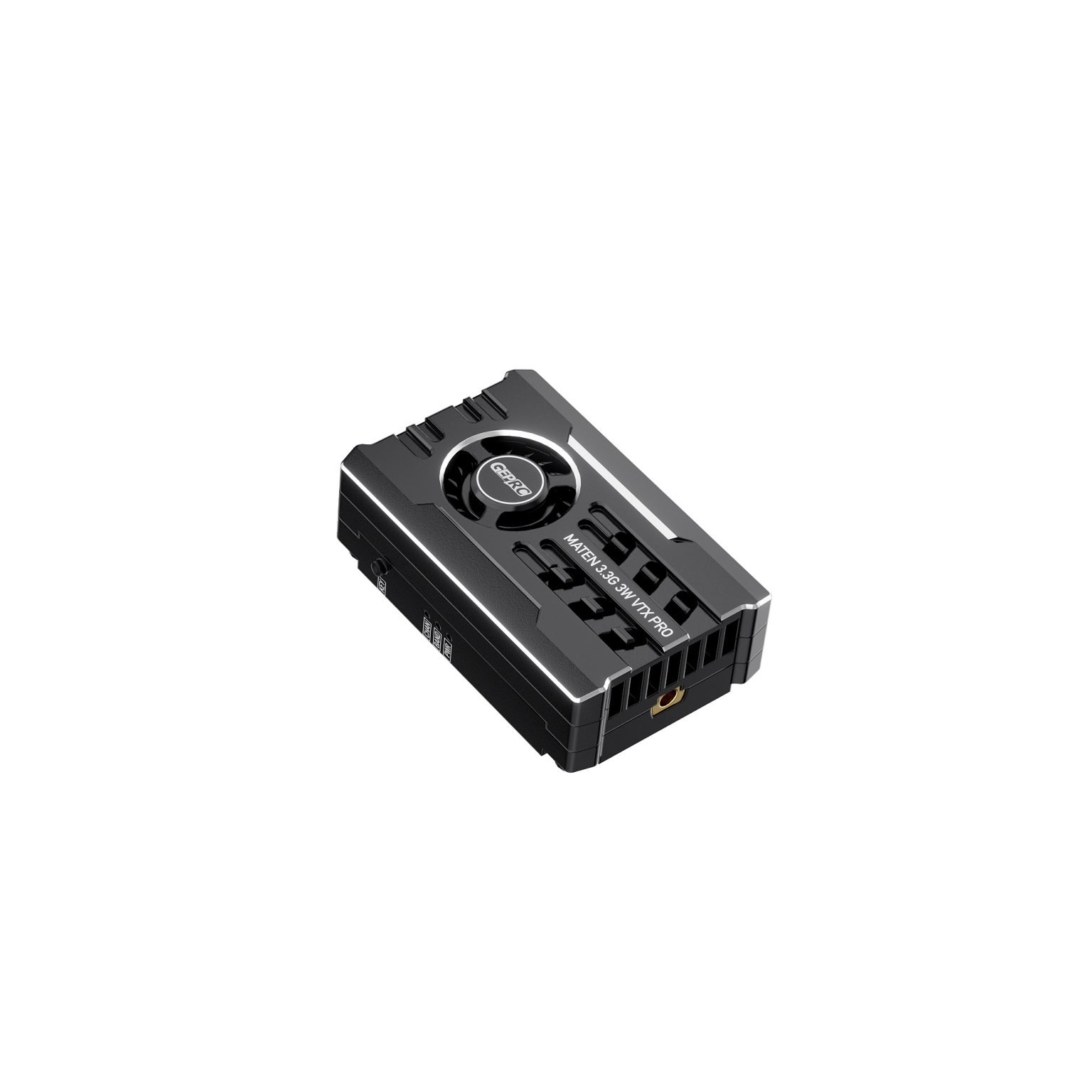
The Kimpok KP-T3340B provides an analog FPV video transmission component for racing-drone integration. Its 16 channels span 3170MHz–3470MHz, with selectable outputs of 25mW, 2000mW and 4000mW. The hardware combines an aluminum alloy enclosure, heat sink and fan in a package measuring 53mm × 28.85mm × 16mm and weighing 25.85g. Installation provisions include a 20mm × 20mm mounting pattern with ø2mm holes, an SMA female antenna socket and a 1.0 6P power connector. These dimensions and interfaces define the component’s mechanical and electrical integration requirements.
Power input is DC 7V–36V, supporting 2–8S batteries, while IRC Tramp provides a control interface. Local buttons select channels, bands and output power; red, blue and green LEDs identify those settings. Holding the power button for three seconds activates pit mode. Thermal protection limits sustained output: above 100°C, power steps downward and can reach 25mW if the temperature remains high. The original power setting returns when temperature drops to 95°C. The described configuration is a transmitter component with cooling hardware, rather than a complete flight platform or airframe kit.
Specifications
| Specification | Value & conditions |
|---|---|
| Manufacturer brand | Kimpok |
| Model | KP-T3340B |
| Place of origin | China |
| Certification | CE certification |
| Documentation | VTX 3.3G 4W user manual (KP.B).pdf |
| Product type | FPV video transmitter for racing-drone image transmission |
| Signal type | Analog video |
| Frequency and channel count | 3.3GHz; 16 channels; 3170MHz–3470MHz |
| Maximum transmission power | 4W |
| Adjustable transmission power | 25mW / 2000mW / 4000mW |
| Input voltage | DC 7V–36V |
| Battery input | 2–8S |
| Antenna connector | SMA female socket with inner hole |
| Smart audio control | IRC Tramp |
| Cooling construction | Aluminum alloy shell, heat sink and fan |
| Mounting hole spacing and diameter | 20mm × 20mm / ø2mm |
| Dimensions | 53mm × 28.85mm × 16mm |
| Weight | 25.85g |
| Power connector | 1.0 6P |
| Channel indicator | Red LED |
| Band indicator | Blue LED |
| Power indicator | Green LED |
| Channel selection | Cycles through CH1–CH8; red LED flashes one to eight times to identify the channelShort press of button ④. |
| Band selection | Selects frequency groups A and B; blue LED indicates the bandHold button ④ for 5 seconds. |
| Power selection and indication | Cycles through 25mW, 2000mW and 4000mW; green LED flashes once, twice or three times respectivelyShort press of button ⑤. |
| Pit mode | Enters pit mode with a continuously illuminated green LEDHold the power adjustment button for 3 seconds. |
| Thermal power reduction | Transmission power decreases one level at a time, down to 25mWDevice temperature exceeds 100°C and remains above 100°C. |
| Thermal power recovery | Returns to the originally selected transmission powerDevice temperature drops to 95°C after thermal power reduction. |