Product overview
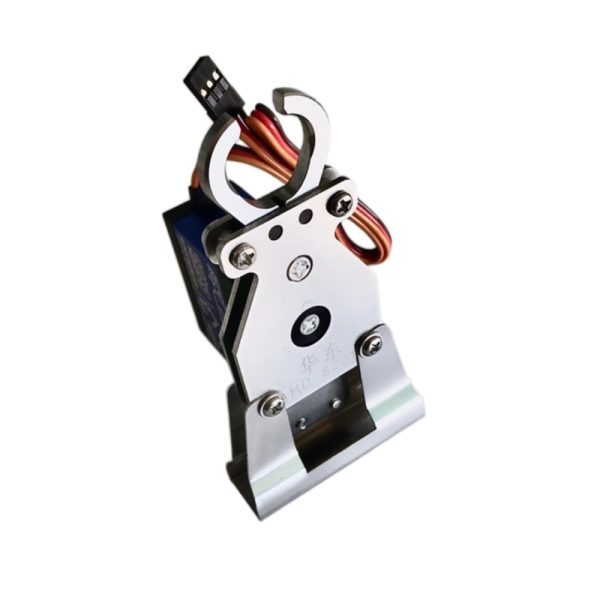
The Skytech Remote Deployer provides remote control of a release hook through an A key switch. Pressing the switch activates the hook, with the illuminated A key showing that it is active. Pressing the same switch again deactivates the hook and extinguishes the light. The control sequence therefore uses one switch for both activation and deactivation.
The remote control comes with preset data that must be retained during operation. Users must not initialize the controller or alter its internal data, because either action could leave the release device uncontrollable or cause damage. Preserving this preset configuration is an explicit operating requirement for the Remote Deployer.
Specifications
| Specification | Value & conditions |
|---|---|
| Manufacturer and model | Skytech Remote Deployer |
| Release hook activation | Press the remote control A key switch to activate the release hook; the illuminated A key indicates activation.When the remote control A key light is on. |
| Release hook deactivation | Press the A key switch again to deactivate the release hook; the A key light turns off.When the release hook is activated. |
| Remote control configuration | Remote control data are preset. |
| Configuration restriction and damage risk | Do not initialize the remote control or change its internal data; doing so could make the release device uncontrollable or damage it.If the remote control is initialized or its internal data are changed. |